

Instagram Password Reset Emails Raise Security Questions | Sync Up
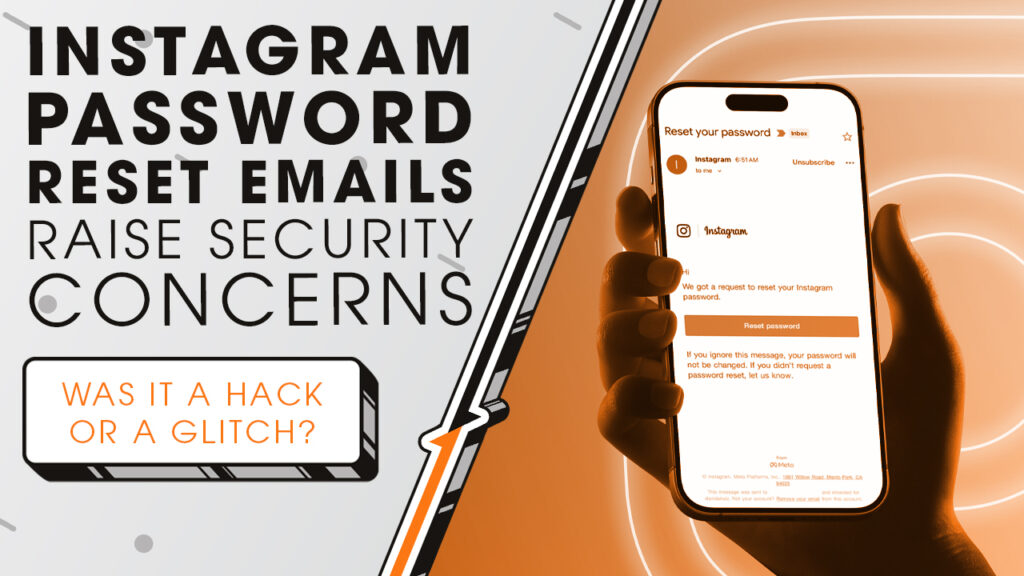
If you’ve recently received an Instagram password reset email you didn’t request, you’re not alone. We’ll break down why millions of accounts suddenly got security alerts as we sit down and sync up with Rocket IT’s weekly technology update.
In this episode, you’ll hear more about:
- Why Instagram users received unexpected password reset emails.
- What sparked the Instagram data leak headlines.
- What Instagram says really happened.
- What users should check right now.
- How to better protect social media accounts.
Video Transcript
Over the weekend, Instagram users around the world began receiving password reset emails and text messages they never asked for. At the same time, cybersecurity firms warned that a massive dataset containing more than 17 million Instagram profiles had appeared on hacker forums right before the security notifications went out. In turn, many news outlets rushed to connect the dots, falsely stating that Instagram was being hacked in real time.
Instagram quickly responded but stated that a breach wasn’t what led to the messages. Instead, it confirmed that a bug allowed an external party to mass-request password reset emails and text codes for users. So, the notifications you may have received were real and they came from Instagram’s actual systems.
Instagram went on to state that there was no breach of their systems, no accounts were accessed, and no passwords were stolen. But, for those of us who are understandably suspicious of responses like this, you may find peace knowing that security researchers further investigated and don’t believe the leaked Instagram dataset is directly connected to the password reset bug. Experts believe the data itself is likely old, scraped over several years and now being re-released.
Now, obviously, when an unknown stranger is able to abuse your system like this, you have underlying problems. Even though Instagram’s databases weren’t broken into, a system designed to protect user accounts was exposed in a way that allowed attackers to trigger real security messages at scale.
That said, keep in mind there are some ways you can take the security of your account into your own hands. First, if you ever receive a password reset email or text that you didn’t request, don’t click buttons linked in the message. Instead, check the sender. If it looks suspicious, delete it. Otherwise, if it looks real, open a new window or the app and head to Meta’s accounts center. There, you can check to see where you’re logged in, review recent security emails, and see attempted login alerts. Additionally, while you review your security settings, make sure to enable two-factor authentication for your accounts, as it will dramatically reduce the likelihood of a breached profile.
And while these steps are great to follow for personal accounts, the takeaway is bigger for organizations that rely on social media for marketing and education. One compromised account can be used to impersonate employees, target customers, or launch scams that damage trust. In that regard, it’s crucial to regularly examine your organization’s security settings across applications to ensure they’re configured correctly up to industry standards. For organizations looking to assess their security posture, Rocket IT is here to help. Simply reach out using the link in this video’s description. And to stay up to date on trending technology news, hit that subscribe button and the bell to catch us on next week’s episode of Sync Up with Rocket IT.
Related Posts



Subscribe to Rocket IT's Newsletter
Stay up to date on trending technology news and important updates.

Find out if Rocket IT is the right partner for your team
Claim a free consultation with a technology expert.