

Microsoft Copilot Can Now Automatically Edit Your Docs | Sync Up
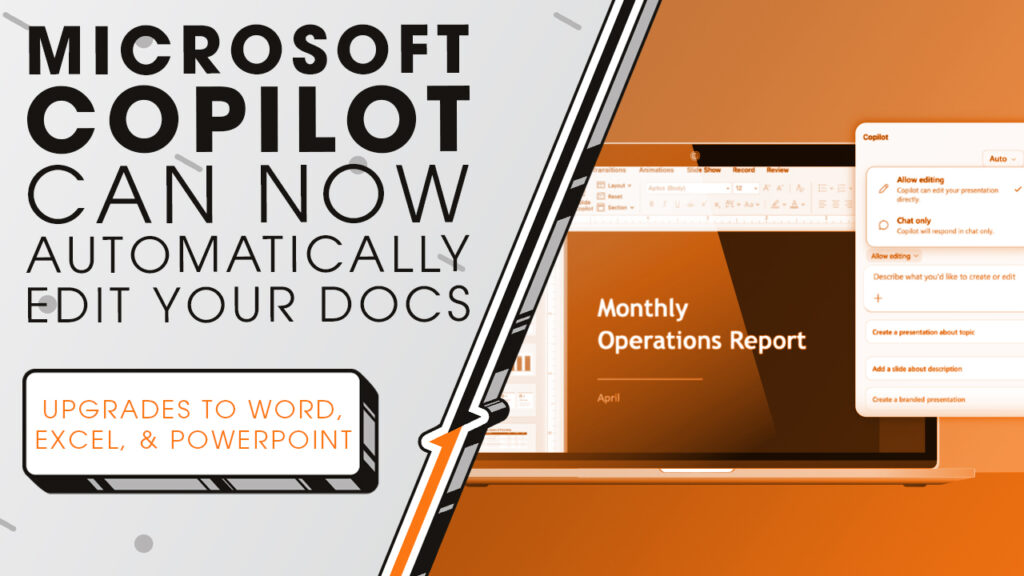
Microsoft just gave Copilot more control inside Word, Excel, and PowerPoint. If you haven’t taken a close look at what it can do lately, we’ll show you why now’s the time, as we sit down and sync up with Rocket IT’s weekly technology update.
In this episode, you’ll hear more about:
- What Microsoft’s new Agent Mode actually does inside Word, Excel, and PowerPoint.
- Why this update is a bigger deal than your average software release.
- The built-in controls that keep you in charge while Copilot does the work.
- What the early engagement numbers say about how people are actually using it.
- How to know if your current Microsoft 365 plan already includes this upgrade.
Video Transcript
Copilot has been part of Microsoft 365 for a couple of years now, and a lot of businesses have found it helpful for things like drafting content, summarizing documents, and answering quick questions. Think of it kind of like having a knowledgeable assistant sitting next to you who you could ask anything. The catch was that’s about all it could do. It could give you great answers, but you still had to go do the actual work yourself. This week, Microsoft changed that in a pretty meaningful way.
They’re calling the new experience Agent Mode, and the core idea is simple. Instead of just responding to your questions, Copilot can now roll up its sleeves and actually do things inside your documents, spreadsheets, and presentations. In Word, that means drafting, rewriting, and restructuring content in one go. In Excel, it can build out formulas, create tables, and help you get from raw data to something you can actually make decisions with. In PowerPoint, it can refresh an existing deck with updated information while keeping your company’s template and branding exactly where you left it. And the whole time it’s working, a sidebar shows you every step so you always know what’s happening.
The early feedback has been pretty encouraging. Microsoft reported a 67 percent increase in engagement in Excel and a 65 percent jump in satisfaction within the first month of rollout. Those aren’t small numbers, and they suggest people are finding real value in what Agent Mode can do. It’s also worth noting that Microsoft built review and rollback controls into the experience, so you can see what changed, keep what you want, and course correct if something doesn’t land right. That kind of transparency matters, especially when AI is working inside files that your business actually depends on.
If you’re on Microsoft 365 Copilot, Microsoft 365 Premium, or even a Personal or Family plan, Agent Mode is rolling out now as the default experience. It’s worth giving it a real task and seeing how it fits into your workflow. And if you want to talk through how to get the most out of Copilot across your organization, Rocket IT is always happy to dig into that with you. Simply reach out using the link in this video’s description. And to stay up to date on trending technology news, hit that subscribe button and the bell to catch us on next week’s episode of Sync Up with Rocket IT.
Related Posts



Subscribe to Rocket IT's Newsletter
Stay up to date on trending technology news and important updates.

Find out if Rocket IT is the right partner for your team
Claim a free consultation with a technology expert.