

1Password’s New Phishing Warning Feature | Sync Up
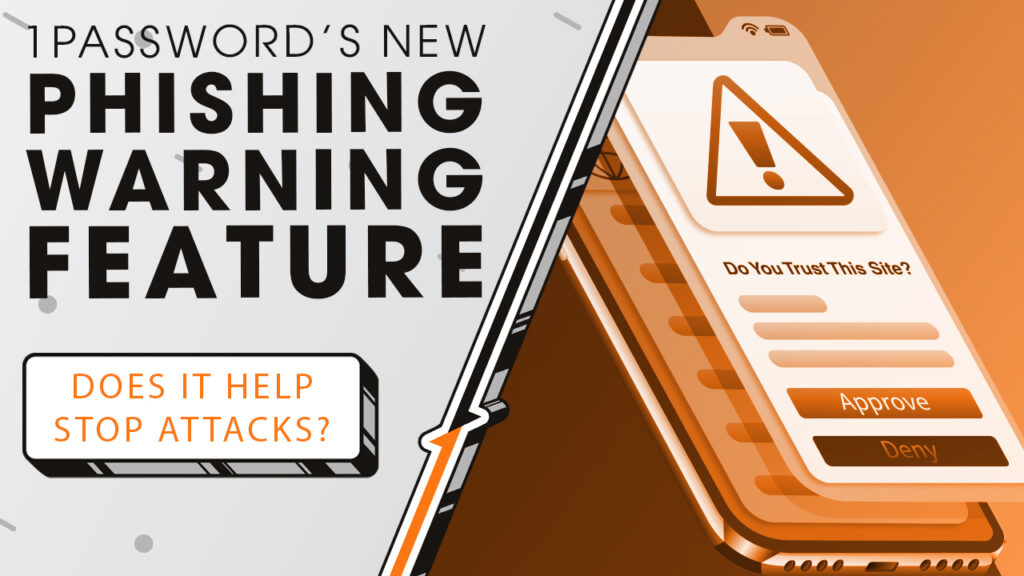
While phishing attacks are skyrocketing, you might not notice because they’re also getting harder to spot. We’ll explore how a new security update from 1Password is designed to stop phishing attacks at the exact moment people are most likely to fall for them, as we sit down and sync up with Rocket IT’s weekly technology update.
In this episode, you’ll hear more about:
- Why phishing is harder to spot than ever.
- How password managers protect logins today.
- Where phishing attacks still slip through.
- How small URL changes can fool users.
- What 1Password’s new warning feature does.
- Why timing matters in stopping phishing.
Video Transcript
Before we get into what’s new, let’s quickly explain what 1Password is. At its core, 1Password is a digital vault and password manager. It securely stores usernames, passwords, passkeys, and other sensitive information, and then fills those credentials in for you when you visit legitimate websites. The benefit is that instead of remembering dozens of passwords, or worse, reusing the same one everywhere, 1Password manages strong, unique credentials for every account.
Now, here’s how phishing protection has traditionally worked in password managers. When you visit a website, the password manager’s browser extension or mobile app checks the site’s URL against the one saved in your vault. If the URL doesn’t match exactly, it refuses to autofill your login details.
And while that does prevent many scams, the problem is that scammers can create phishing sites with URLs that look almost identical to the real thing and many users won’t notice. They may assume their password manager is glitching, or that their vault is still locked, and then manually type or paste their credentials into the page anyway. At that point, the protection is bypassed, and the scammer gets exactly what they want.
This type of attack is called typosquatting, and it’s become far more effective as AI tools help attackers create polished, convincing websites at scale. In fact, research from 1Password shows that most people don’t even check URLs before clicking links, and a majority of Americans have already been successfully phished at least once.
That’s the security gap 1Password is now addressing. With this new feature, if a user tries to paste their credentials into a website where the URL doesn’t match what’s saved in their vault, 1Password displays a pop-up warning. This actively alerts the user that something may be wrong and prompts them to slow down and double-check the site before proceeding. That pause is critical, because phishing works by creating urgency. This alert interrupts that moment and gives training and awareness a chance to kick back in.
For those interested in trying this new feature out for themselves, it’s currently being rolled out by 1Password as we speak. When the update reaches your account, it will be enabled automatically. In business environments, however, admins can control this feature through authentication policies in the 1Password admin console, which is where having an IT partner becomes essential.
At Rocket IT, we help reduce reliance on perfect user behavior by adding layers of protection exactly where human error is most likely to happen. If your organization is looking for help closing security gaps attackers have been exploiting for years, contact us using the link in this video’s description. And to stay up to date on trending technology news, hit that subscribe button and the bell to catch us on next week’s episode of Sync Up with Rocket IT.
Related Posts



Subscribe to Rocket IT's Newsletter
Stay up to date on trending technology news and important updates.

Find out if Rocket IT is the right partner for your team
Claim a free consultation with a technology expert.